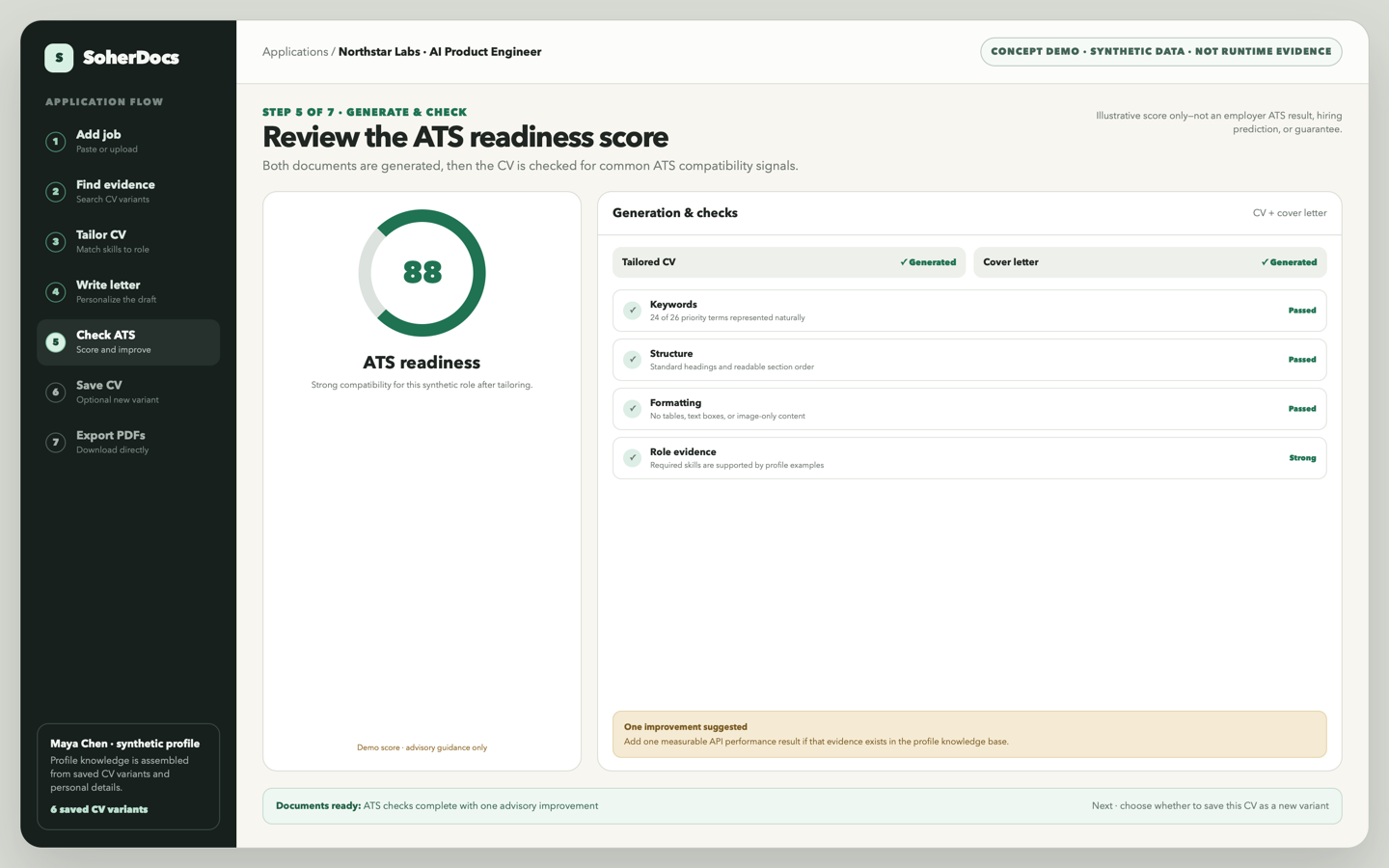
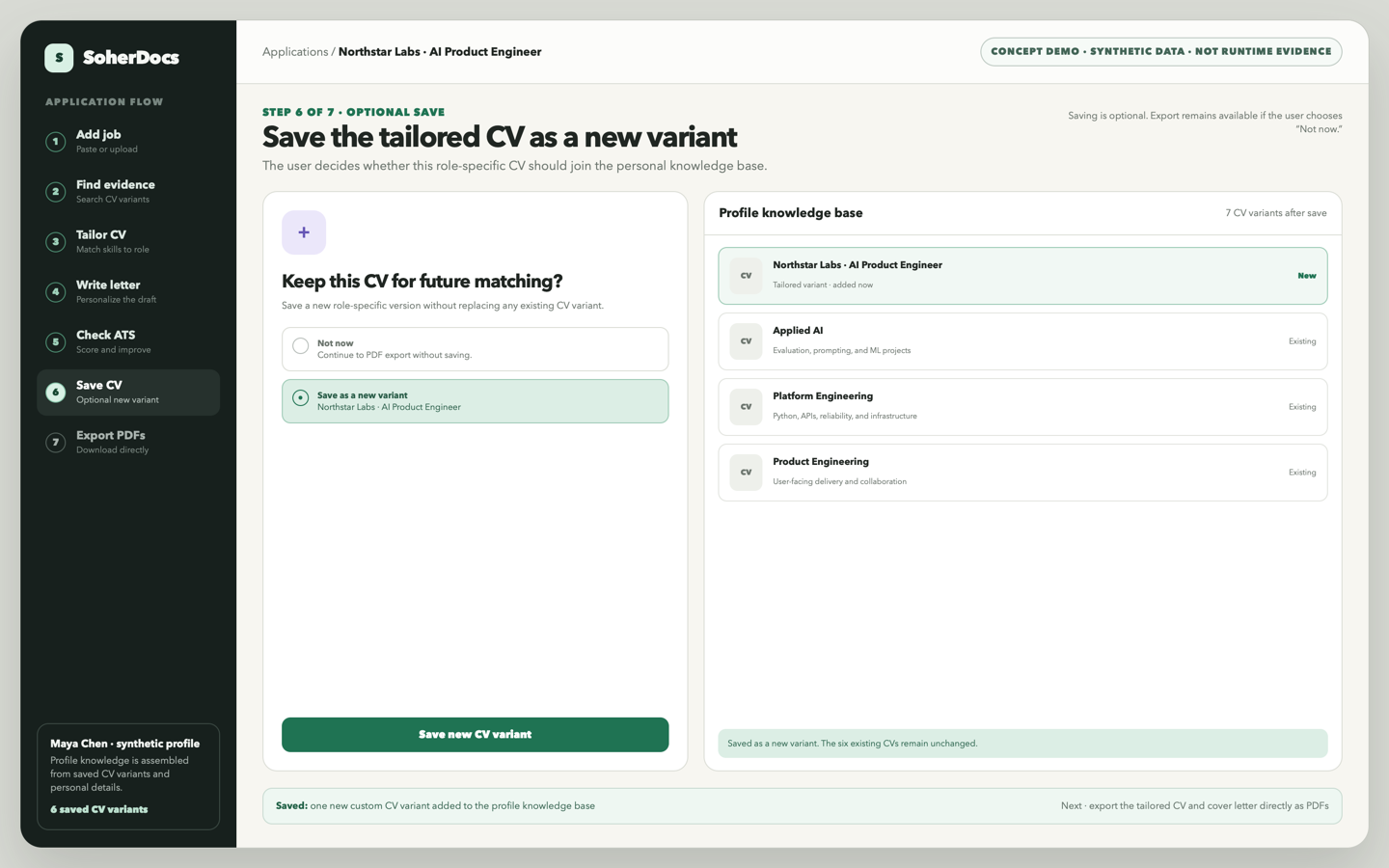
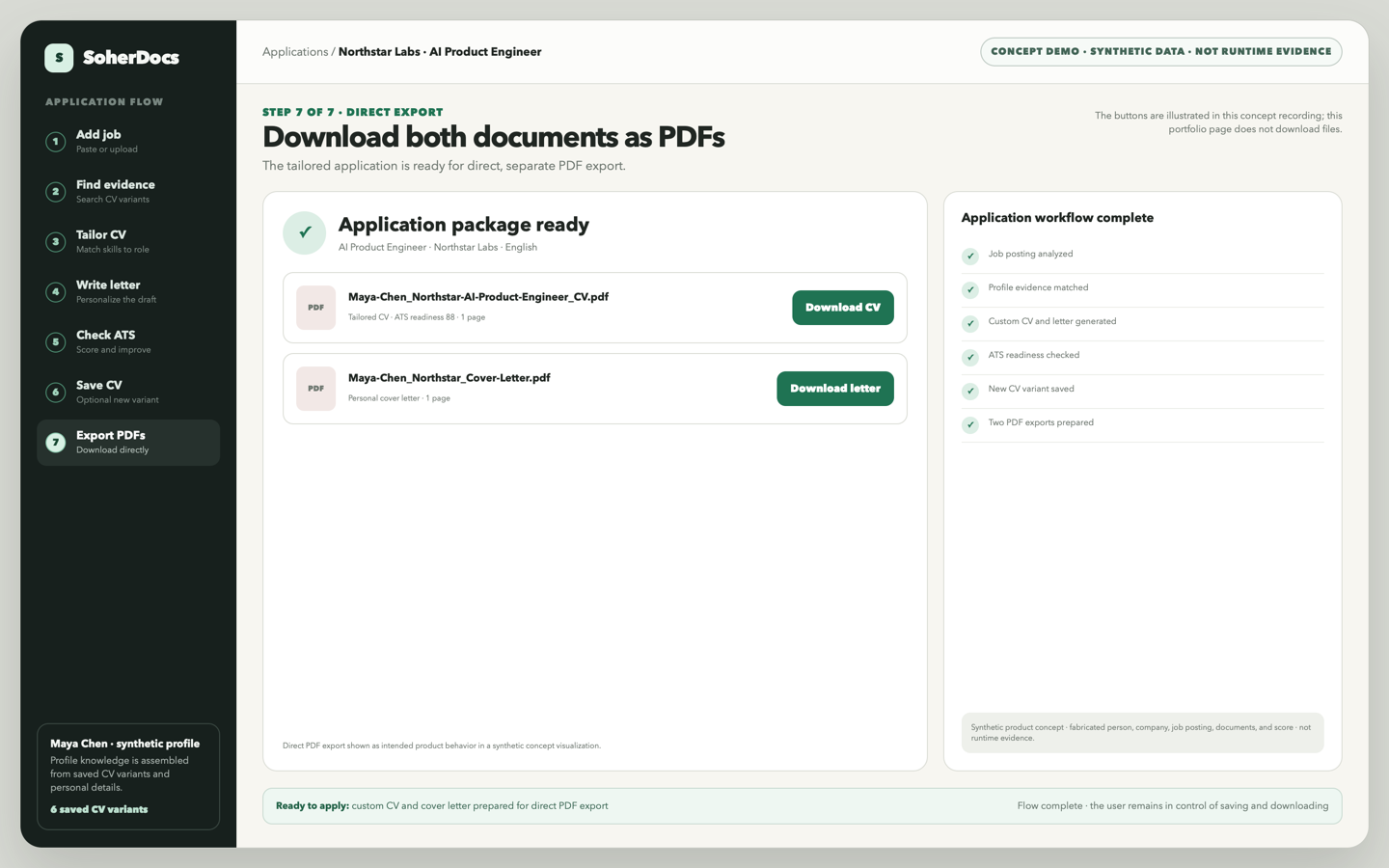
A readable transcript of the seven-step SoherDocs product-concept recording.
Synthetic product concept. This illustrates intended workflow behavior, not a recording of shipped software or runtime evidence. The person, company, job posting, profile evidence, documents, and ATS score are fabricated.
Step 1 · 00:00–00:05
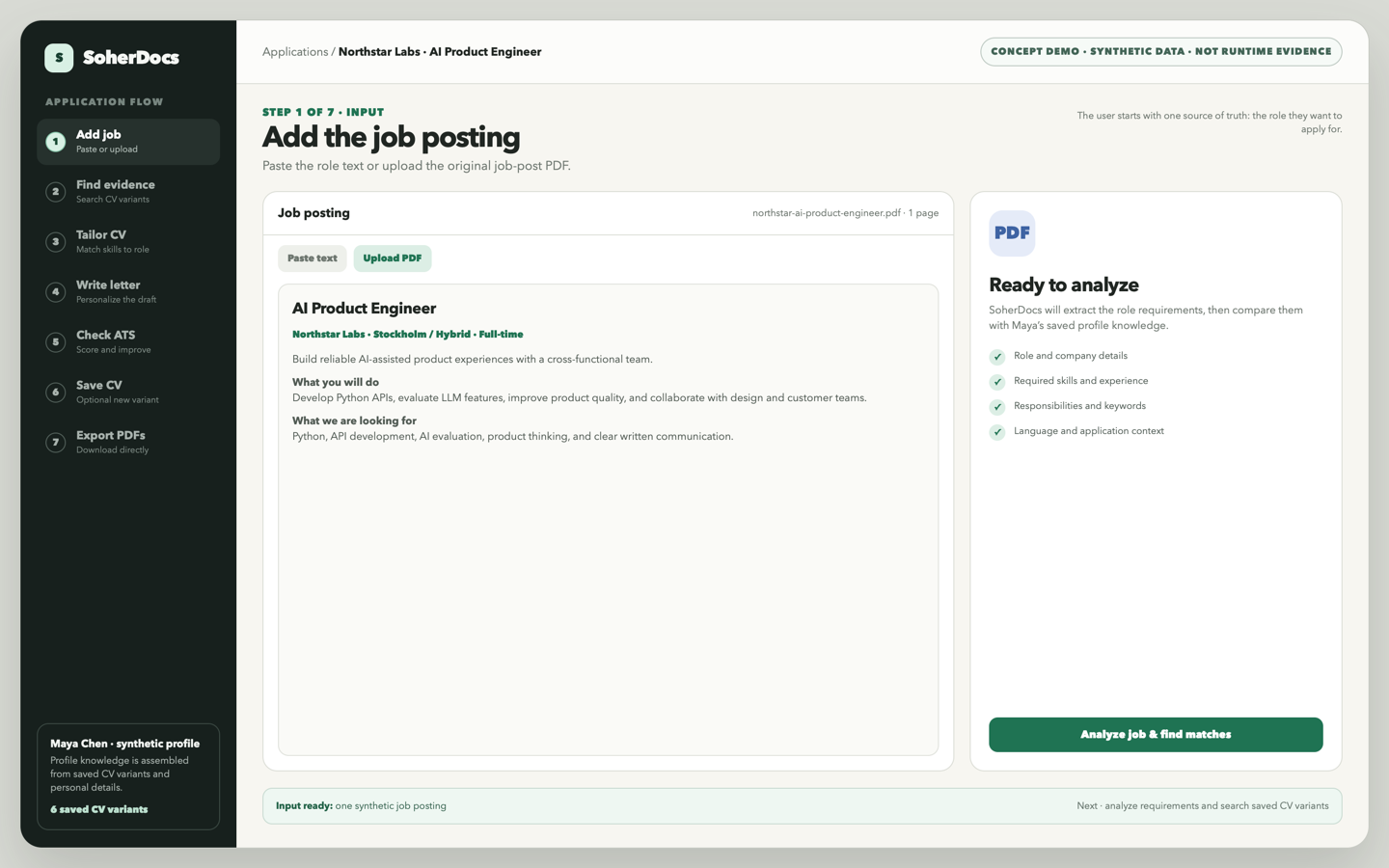
Add the job posting
Maya starts a new application by pasting a role or uploading the original job-post PDF.
Input
A synthetic AI Product Engineer posting from Northstar Labs.
Action
Select “Analyze job & find matches.”
Result
The role text is ready for requirement extraction and profile matching.
Concept frame · synthetic job and profile data.
Step 2 · 00:05–00:10
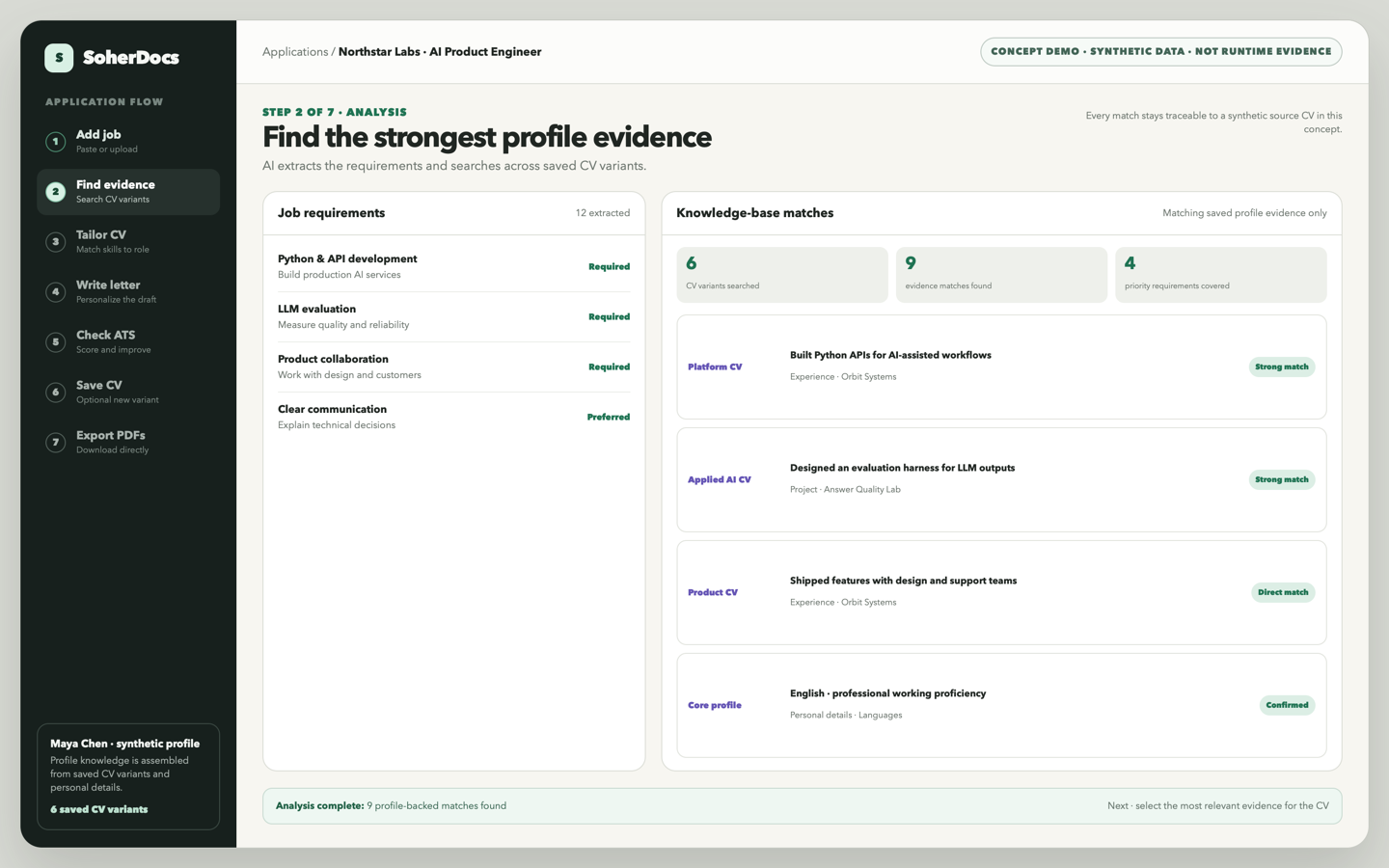
Find the strongest profile evidence
AI extracts the job requirements, searches six saved CV variants, and shows where each matching fact came from.
Input
The job posting and Maya’s profile knowledge base.
Action
Compare required skills with evidence saved across CV variants.
Result
Nine profile-backed matches, including Python APIs, LLM evaluation, product collaboration, and English proficiency.
Concept frame · every visible match cites a synthetic source profile.
Step 3 · 00:10–00:15
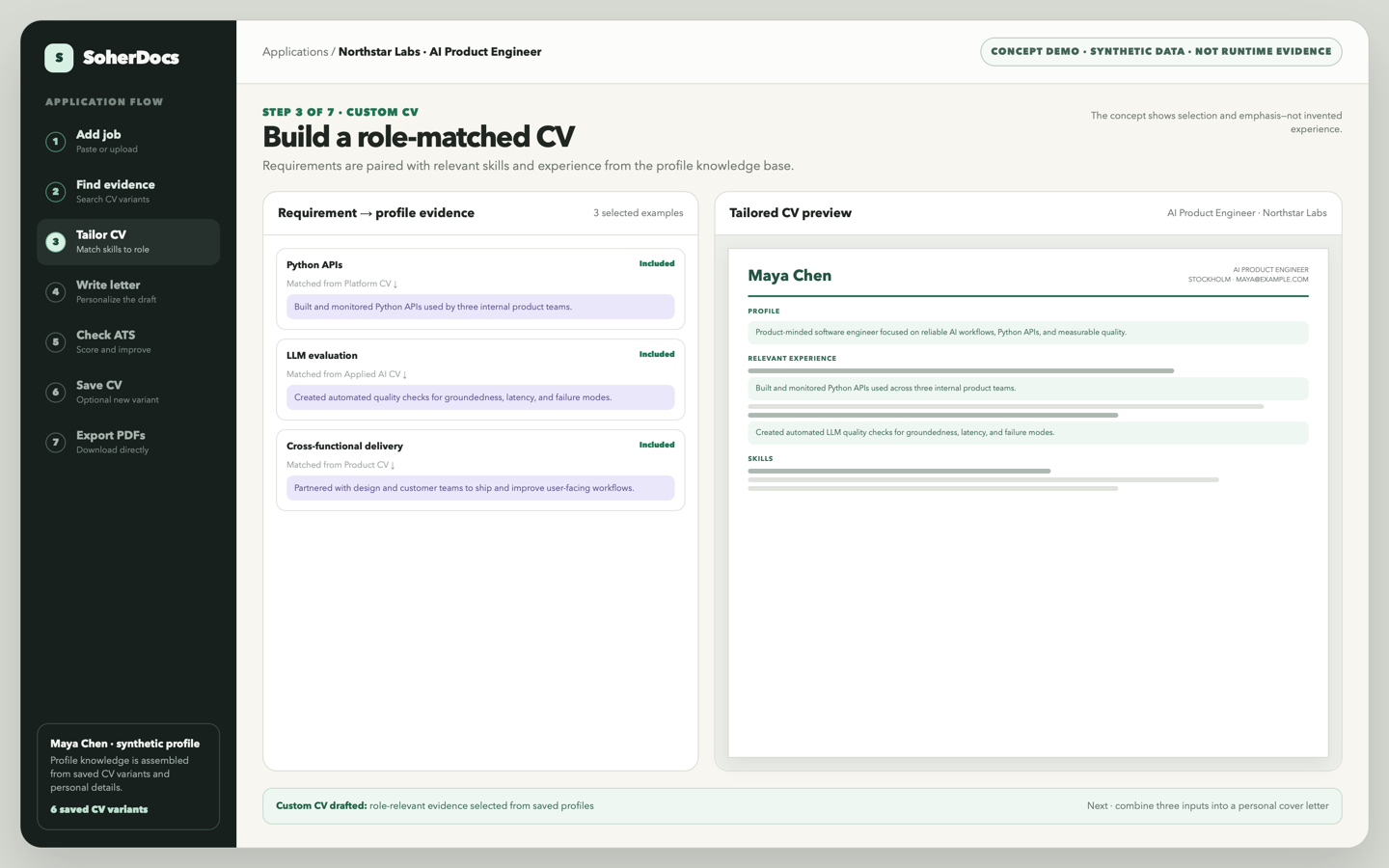
Build a role-matched CV
The strongest saved evidence is paired with the role requirements and emphasized in a custom CV draft.
Input
Job requirements and matched profile evidence.
Action
Select relevant experience and skills for this role.
Result
A custom CV preview that uses profile-backed examples without inventing experience.